"Hey Shela, a two-minute intro for my set tonight: 126 BPM, E minor, sung hook, dry congas, and give me a version without the vocal too." That is one of three example requests on the 67 MUSIC about page, and it is close to everything a user has to type. The rest is a conversation with one decision in the middle.
Here is how a song and a short clip come together in 67 MUSIC, the music studio inside Shela, as the product works on 1 October 2026. SheAI News is published by the same studio. For the wider tour, read Inside 67 MUSIC.
1. Say what you want
There are no forms and no genre wizard. You write the request the way you would text a friend: style, tempo, key, the kind of voice, the mood, the length. "Anything you leave out, Shela decides and tells you what she decided," the page says. Tempo and key are held precisely enough to mix the result with your own material.
If you want an artist to release under, ask for one. Shela invents the person, with a name, a home town, a look, a voice and the rules their sound must follow, and paints a portrait. Since 30 September a new artist first arrives as a free draft that ends with "Say go or change anything", and is created only after your reply. That is how the studio made its own singer, Zora Savić.
2. Approve the lyrics
This is the one step that is yours. Shela writes the words under fixed rules, one feeling per song, a chorus you can sing in one breath, one image per line, and shows them in the chat. You say yes or ask for changes. Nothing is rendered before that.
3. Listen half a minute later
The lyrics and the sound rules become a plan of sections, and the music model performs it as a full arrangement in 44.1 kHz WAV. The about page puts a three minute song at about 25 seconds, mastering included. Every song is mastered in two passes to -14 LUFS with true peaks under -1.5 dBTP and arrives with a title, cover art and a measured tempo, key and loudness.
The song lands in your library, private until you publish it. Share links open and play without an account, WAV and MP3 can be downloaded, and publishing puts it on the public chart. Since 30 September the player also keeps a real 432 Hz version of every song.
4. Change it in Wave, if you want
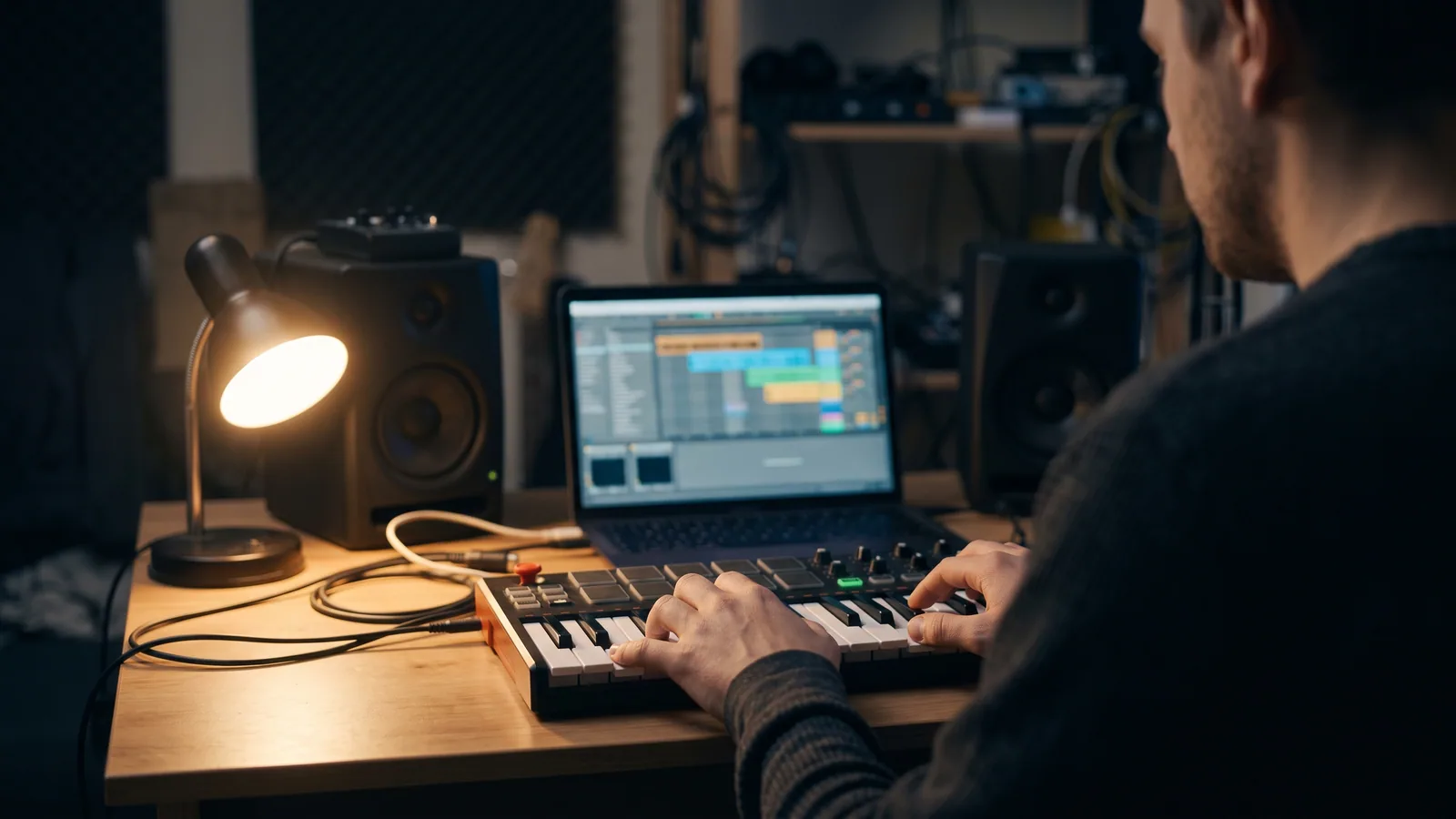
Most songs are finished at this point. Wave is for people who want to shape the music themselves: it splits a song into four tracks (drums, bass, vocals and the rest), lets you have one section written and sung again, add your own recordings, and work with EQ, compression, a piano roll, a beat maker and 150 loops. The original stays untouched; Wave saves a new version.
5. Cut the clip in Video
Video already knows the song: its beats, its lyrics and when every word is sung. You bring your own clips and photos, or let it generate clips from a shot plan that follows the lyrics; the price per clip is shown before anything is generated. Cuts snap to the beat, and Magic can cut the whole video for you. The sung words appear as karaoke captions in five styles, and there are 58 effects and 42 transitions. You export 9:16 for TikTok and Reels, 1:1 for feeds or 16:9 for YouTube.
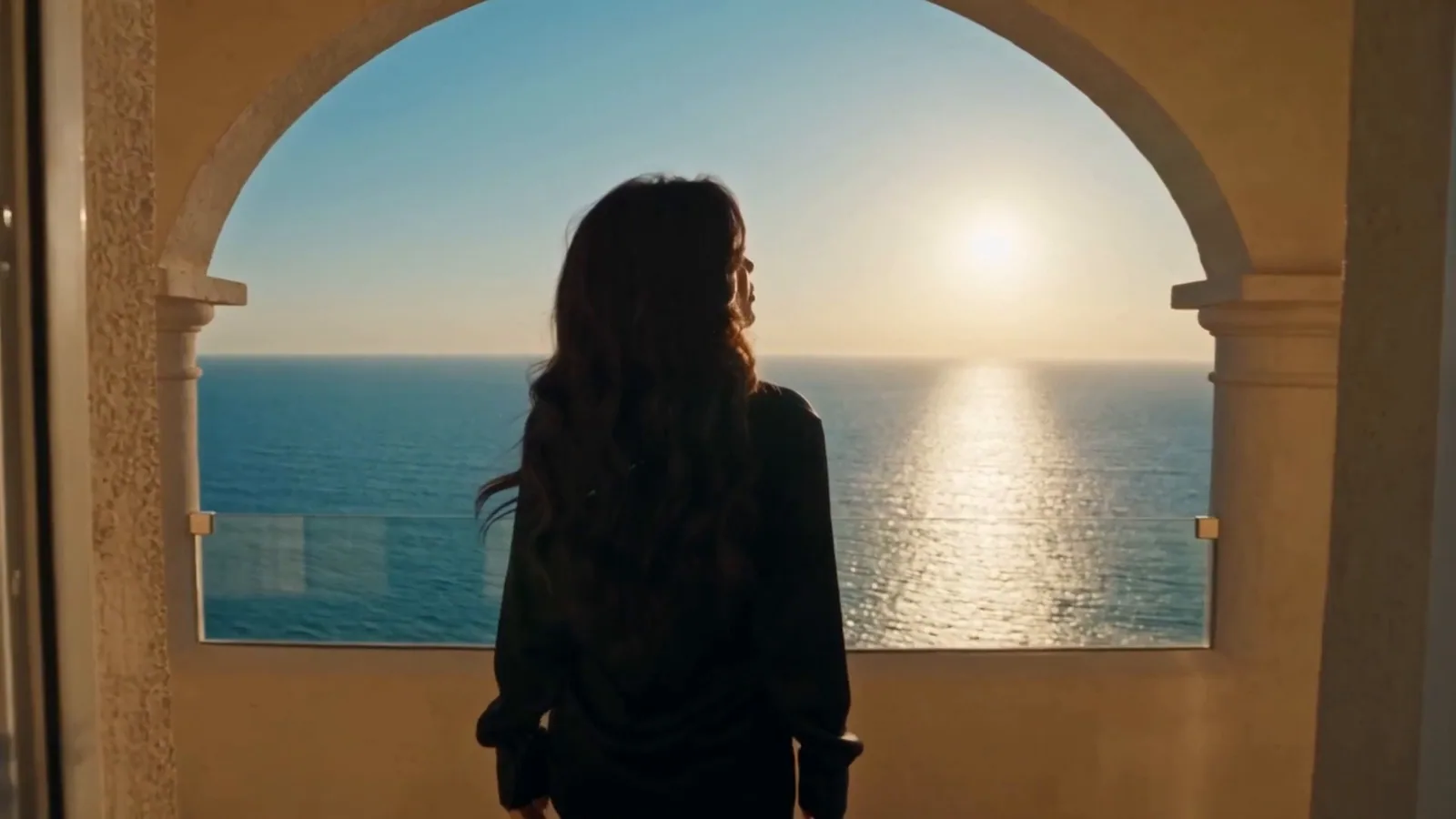
The Video editor is built for that short version. The three minute film for Zora's "Sunce Moje" was a bigger job: the studio generated every shot with AI and edited them into the music video that came out on 1 October.
What it costs
The Free plan gives one short song a day, with Wave, Video, the player and the chart included. Pro costs USD 35 a month and covers all of Shela, with music metered per second and generated video clips charged per clip. Songs made on paid plans may be used commercially; film, television and game studios are the exception for now, the about page says. For a side by side look at another AI music tool, see 67 MUSIC vs Suno.



Comments
Comments are reviewed before they appear.
No comments yet. Be the first to share your thoughts.